 Polygons, stars and hearts
|
<< Click to Display Table of Contents >> Navigation: Drawing tools >
|
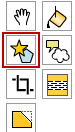
This polygon tool is located in the toolbar on the left of the screen.
Selecting this tool shows a panel on the right tool bar with four options shown below.
Regular polygons
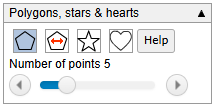
Use the slider to set the number of sides.
Click and drag on the drawing area with the polygon tool. As you drag a polygon is drawn centred on the initial point you clicked
Regular polygons by side length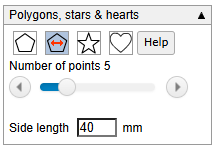
Use the slider to set the number of sides.
Set the side length
Just click on the drawing area where you want the polygon. No need to drag.
Stars
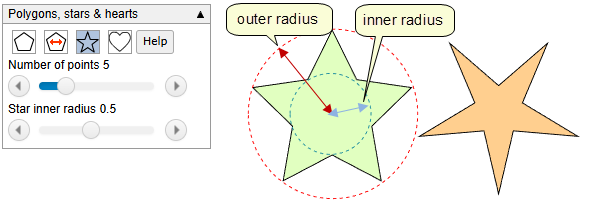
Use the slider to set the number of points on the star.
The second slider sets the inner radius as a fraction of the outer radius.
Click and drag on the drawing area with the polygon tool. As you drag a star is drawn centred on the initial point you clicked
Hearts
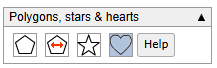
No settings for this option.Just click and drag on the drawing area.
Editing Polygons and stars
Select the polygon or star you want to change. This will show the panel in the right toolbar. Depending on the type, the appropriate button will be selected. Clicking on another button (not the heart button - this will no no effect.) you will change a polygon to a star and vice versa. You can change the properties withe scrollbars.
A polygon that was created by specifying side length is a little different.
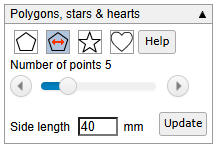
The panel now shows an update button. Change the value of the side length and click the update button.